
Staff clock in with their own phone.
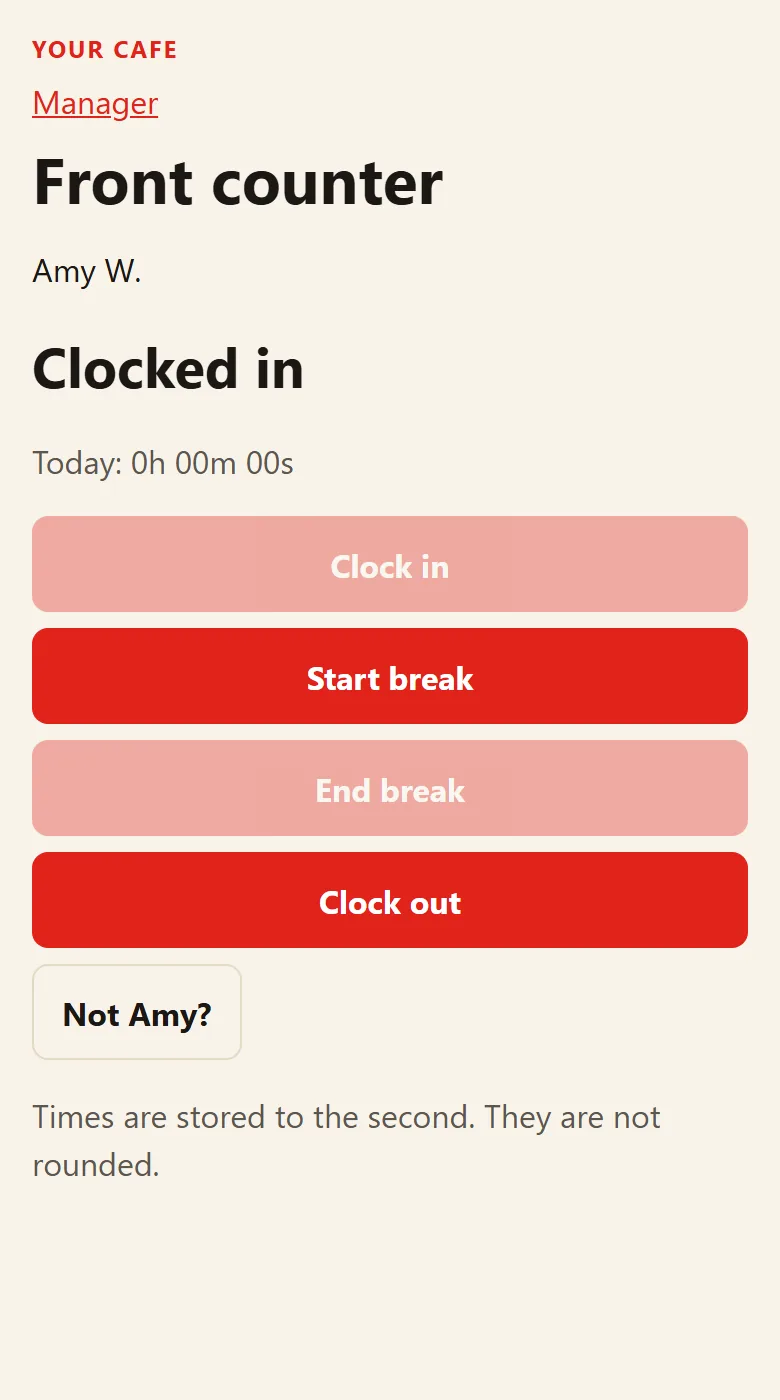
Print a QR code. Staff scan it, pick their name and put in a PIN. You see who is in, and the hours come out ready for payroll.
No card. Nothing to install. All you do is print the code.
How it works
Print the code
One QR code for each door or site. That is the only thing you pay for yourself.
Staff scan in
On their own phone: clock in, breaks, clock out. They pick their name and put in a PIN.
You see it all
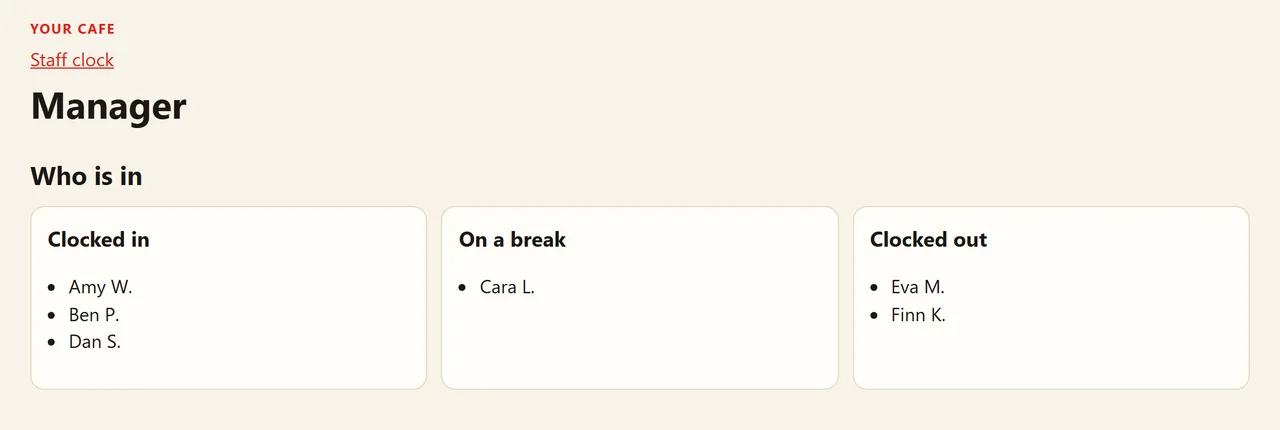
Who is in, who is on a break, who has gone. Weekly timesheets and a payroll spreadsheet.
Who uses a clock-in like this
Any firm with hourly staff who work somewhere you can't always see them. We've written up the detail for these:
Prices
| Staff | A month |
|---|---|
| Up to 10 | $19 |
| 11 to 20 | $25 |
| 21 to 50 | $64 |
| Over 50 | $64 plus $1.25 for each extra person |
The first 14 days are free. No card, nothing to install. If you do not carry on, it simply stops.
Questions we get asked
Do staff need to download an app?
No. They point their phone camera at the code and it opens straight away. You sign in on your phone or computer to see who is in and to get the timesheets.
Does the code have to go on a door?
No. It is only paper, so it can sit in a folder at reception or anywhere else on site. Print one for each site.
What if several people work at the same site?
They all scan the same code. Each one picks their own name and puts in their own PIN, so everyone's hours are kept separately. If only one of them has a phone, they can take turns on it.
Could someone clock in from home?
Only if they have a copy of the code with them. Keep the code at the site and do not hand out copies, so a clock-in means they were there to scan it.
Are the times rounded?
No. Times are stored to the second and never rounded.
How do the hours get to payroll?
The manager screen shows a weekly timesheet for each person, and you can download the hours as a spreadsheet, either per person or shift by shift. Overtime has its own column.
What happens after the 14 days?
If you want to carry on, it is the monthly price for your number of staff. If you do not, it simply stops. There is no card to cancel.
Start your free 14 days
Fill this in and we email you a link. Click it, choose a password, and your clock-in is ready straight away with your QR code to print.