

|

|
|

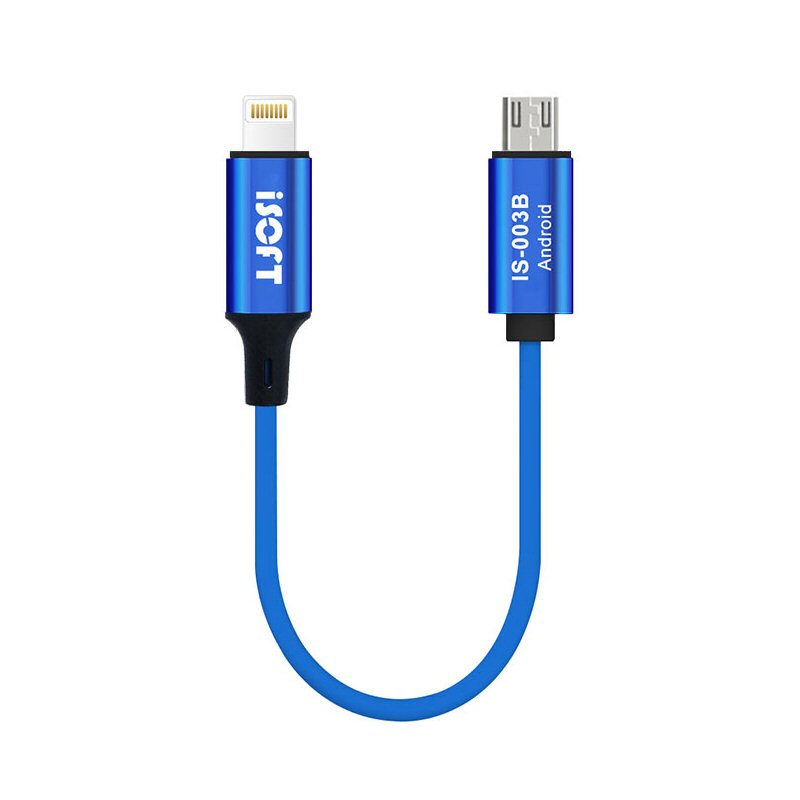









iSoft IS 003B User Data Transfer Cable Transfer Data For Micro USB to iPhone
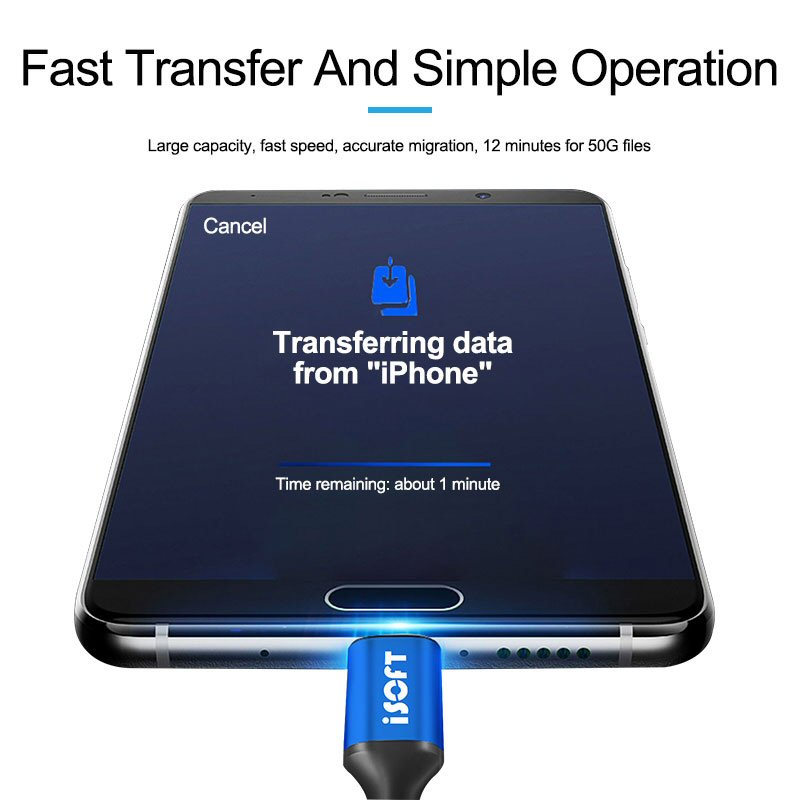
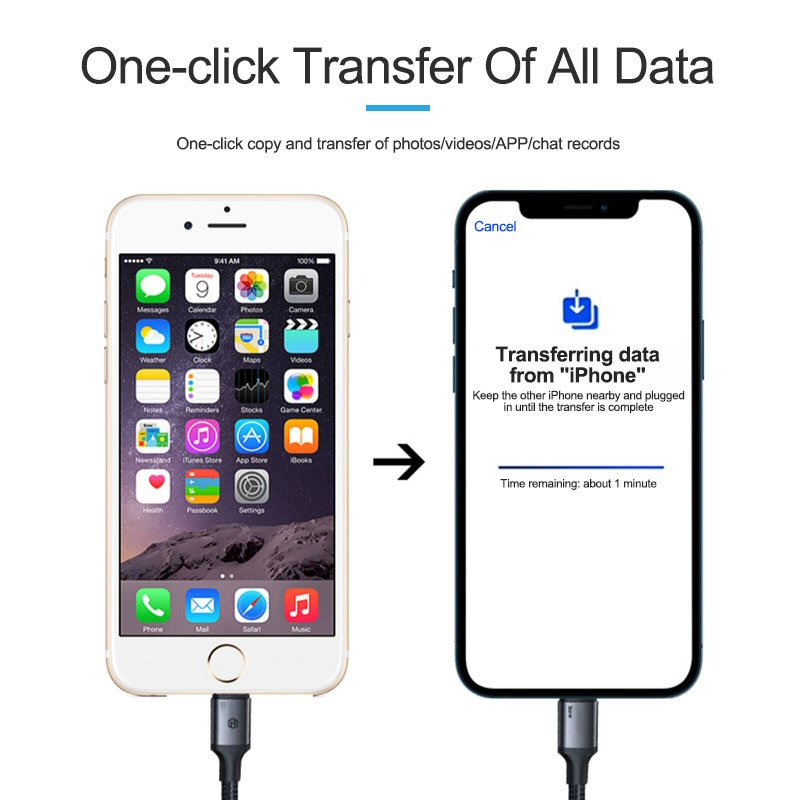
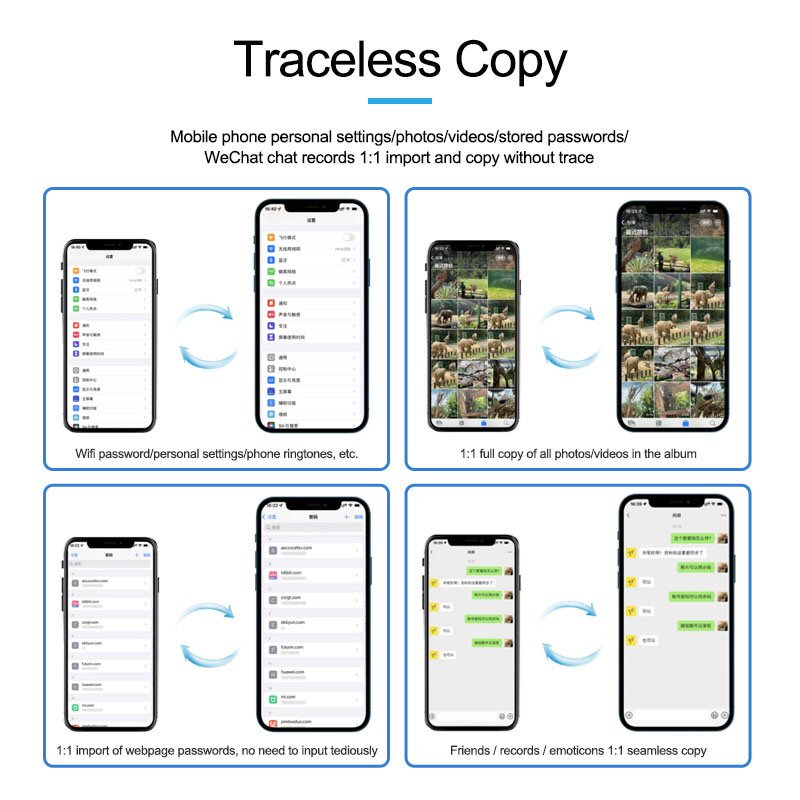
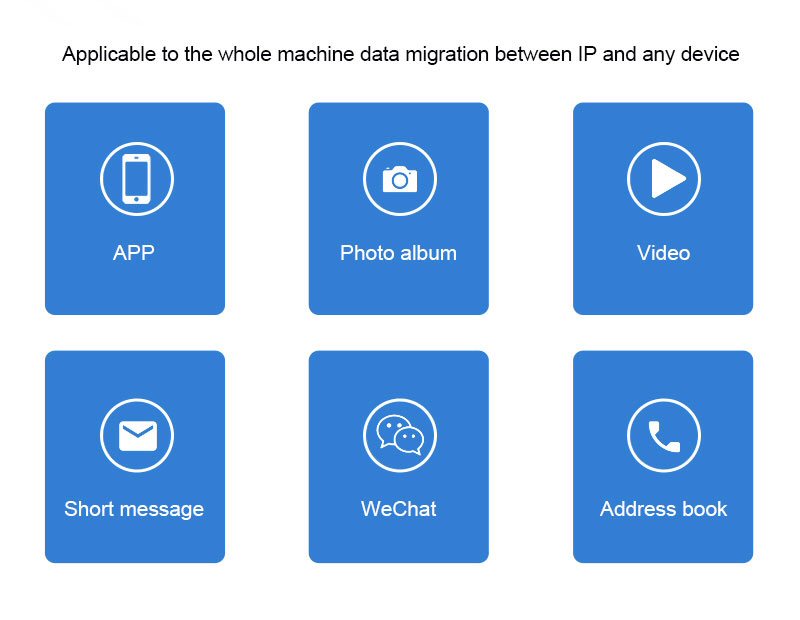
The iSoft IS-003B allows you to transfer data from your old phone to your new iPhone quickly and easily.
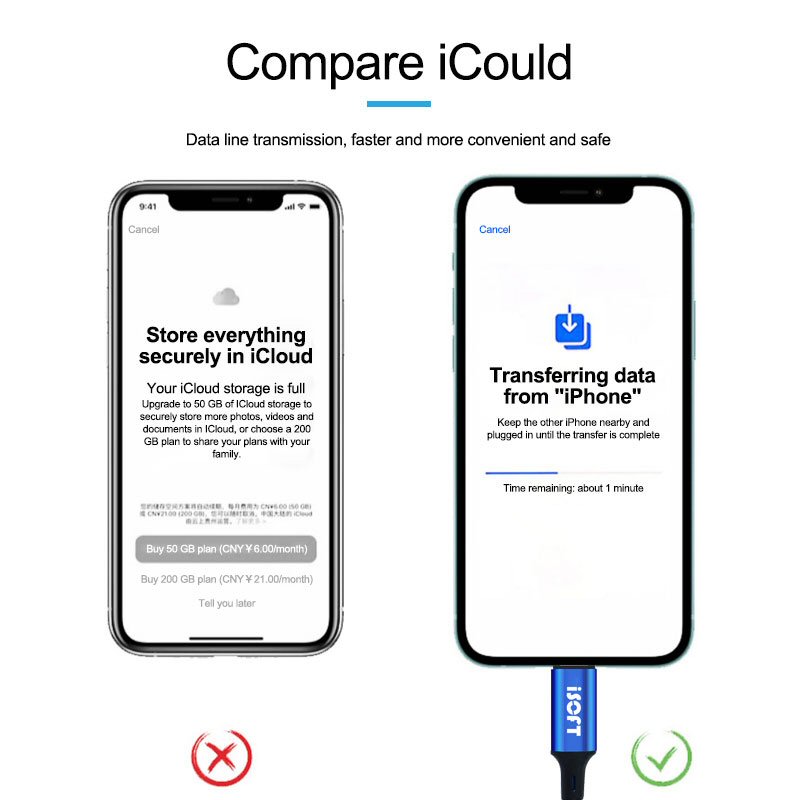
STANDALONE TRANSFER - The data transfer cable works standalone without the need for a computer.
FAST and EASY - Transfer your user data from your old phone to your new phone quickly and easily
SUPPORTS MICRO-USB to iPHONE - This cable supports transfer of data from a MicroUSB Android phone to iPhone
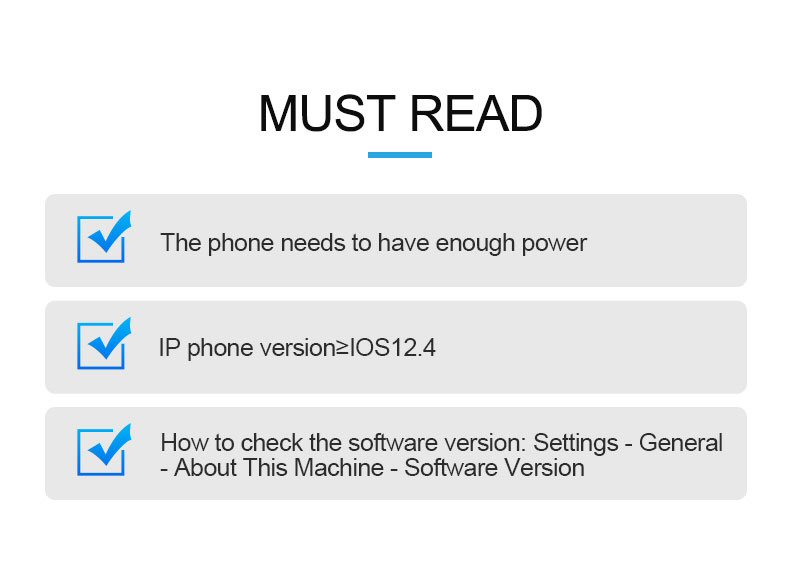
REQUIREMENTS - Target iPhone must use iOS 12.4 or higher to use this cable
Instructions
Whole Phone Data Migration
(Transfer all data from old phone to New phone)
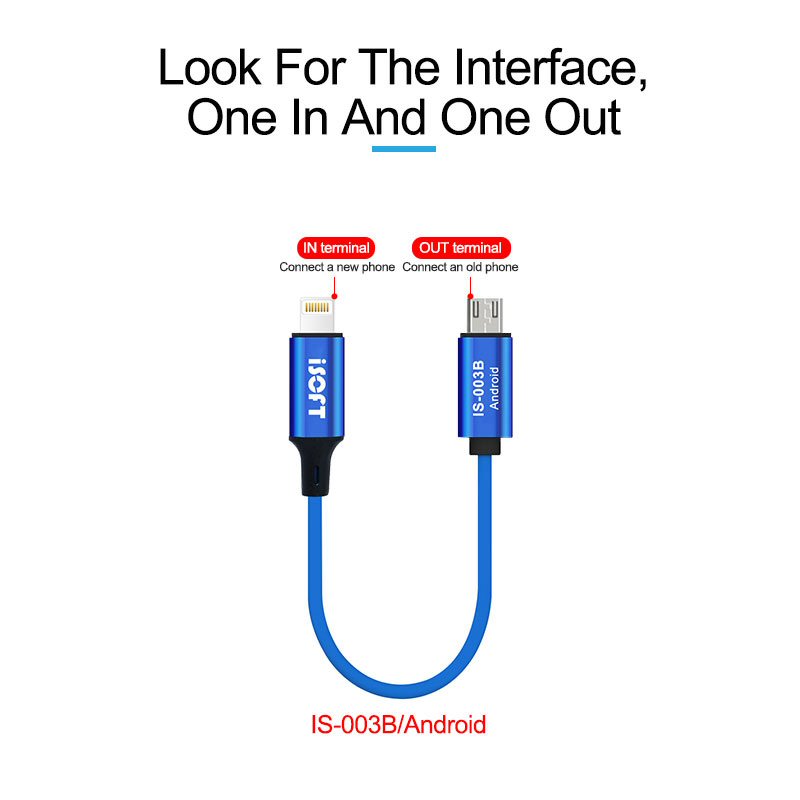
1. Connect the end with the "ISOFT" icon to the new phone (hereinafter referred toas the new phone), and the end with the words "IS-003A/B/C" to the old phone (hereinafter referred to as the original phone)
2. The new phone is turned on, the screen prompts "Quick Start”, enter the AppleID you want to use, and click "Continue"
3. After the animation appears on the new device, scan the screen of the newdevice with the original device (if the camera of the mobile phone fails, pleaseclick "Manual Verification")
4. Enter the original screen password on the new machine, and enter the Apple ID as prompted
5. Click "Transfer from Device", the data from the original device will be migrated tothe new device
6. If an Apple Watch is bound to the original machine, the system will automaticallyask you if you want to transfer Apple Watch data and device parameters to thenew machine; you can choose according to your needs
7. If the transfer fails, you can do it again
8. After the new machine is activated, please check whether all data is copied; aftercompletion, the original phone can be restored to factory settings to clear all data
Photo Album & Video Migration
(Transfer photos and videos from old phone to New phone)
1. Connect the end with the "ISOFT" icon to the new phone (hereinafter referred toas the new phone), and the end with the words "IS-003A/B/C" to the old phone(hereinafter referred to as the original phone)
2. Open the new camera album and click "Import" in the lower right comer
3. Open the original camera album and select the corresponding picture or video tosync to the new camera
Note: If the new phone has been activated, you need to restore the content of the new phone before operating the data migration.
The operation of mobile phone restoration is to clear the data mobile phone, so there is data to be retained before the operation to restore, please back up in advance!
Operation steps to restore: "Settings" - "General" - "Restore" - "Erase - “All Content and Settings"(All data in the phone will be erased!)
-
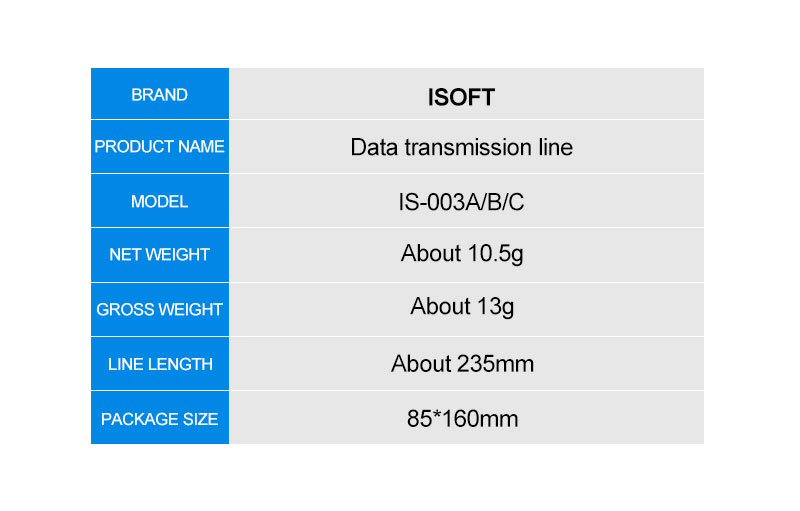
BrandiSoft
-
TypePhone Data Transfer Cable
-
Compatible ModelFor iPhone, For Android
-
MaterialAluminium Alloy
-
Compatible BrandFor Apple, For Samsung, For Huawei, For Sony, For LG
-
ColourBlue
-
ModelIS-003B
-
Model NumberIS-003B
-
Length16cm
-
ConnectivityMicroUSB to iPhone
-
Width9cm
-
PatternPlain
-
Country/Region of ManufactureChina
-
Manufacturer warranty3 Months from date of purchase
-
FeaturesData Transfer Without PC
-
Weight0.04kg
-
depth1cm
-
Design/FinishMatt
-
Cable Length23cm
-
Height1cm
-
Number of Pieces1
-
Unit Quantity1
-
Unit TypeUnit
-
ConnectivityMicroUSB to iPhone
-
Year Manufactured2023
-
Dispatches FromUnited Kingdom