

|
|
|
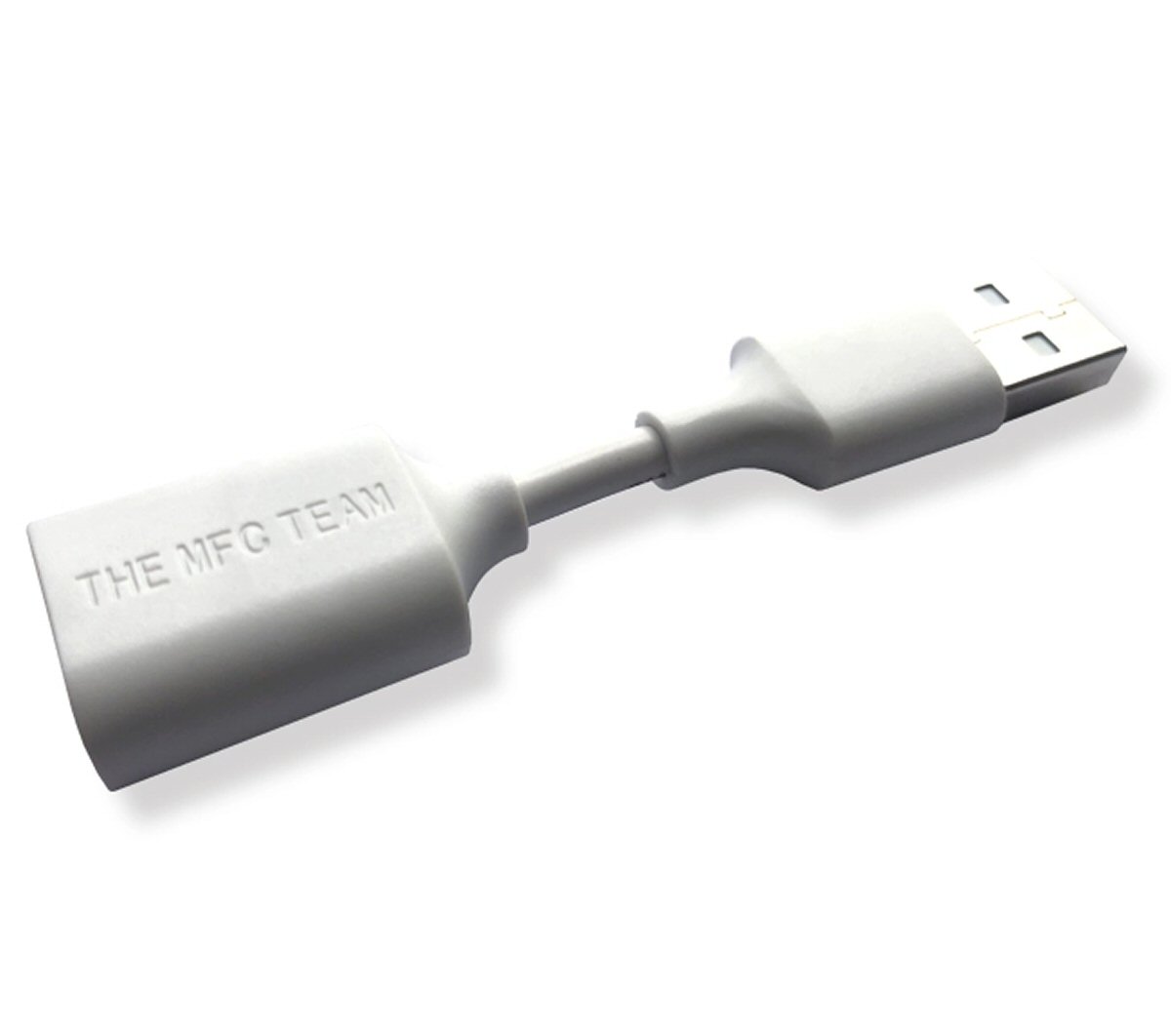
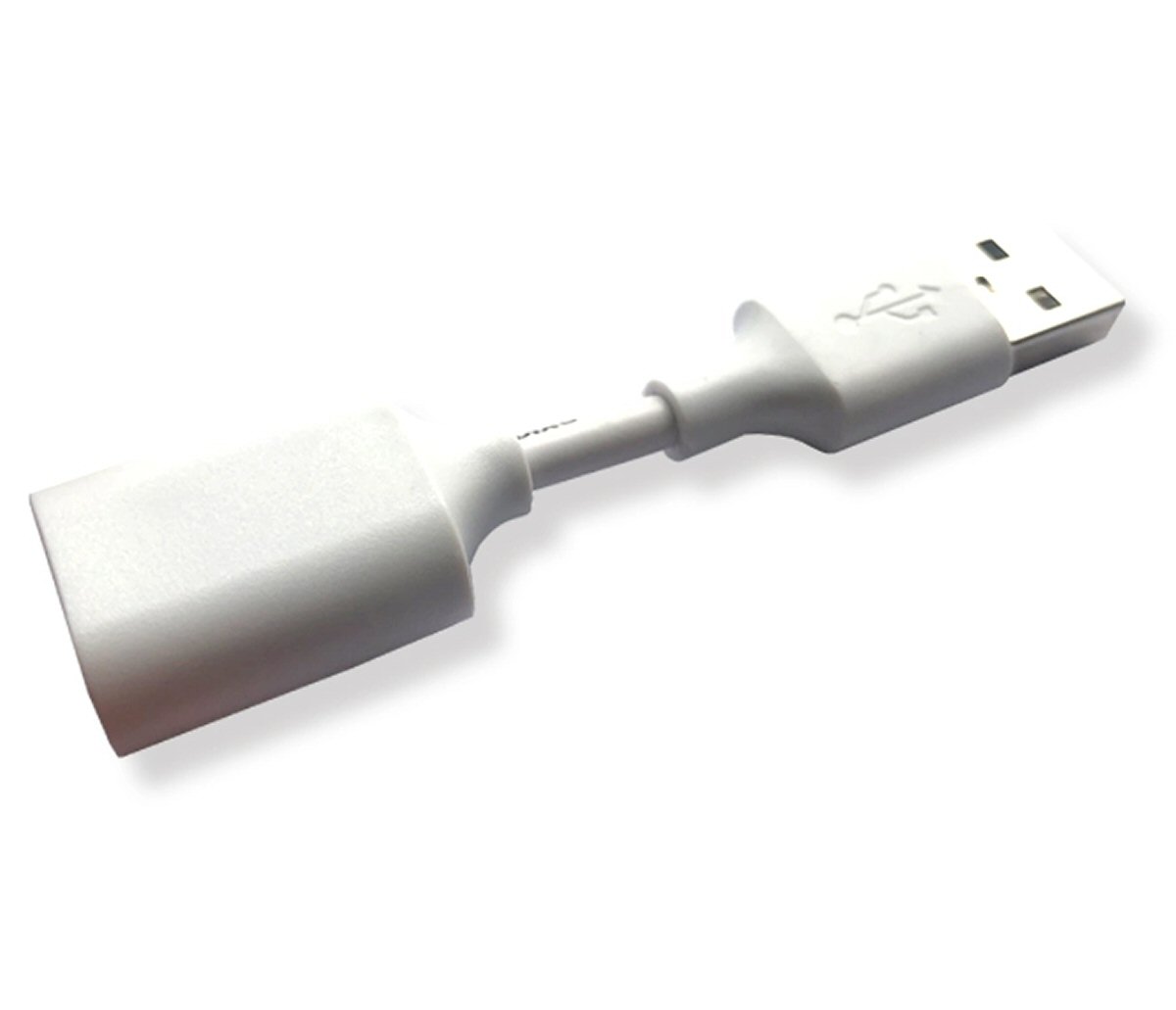
Cable For Apple Watch by MFC Team DFU Diag Data Connection
REQUIREMENTS - To use this cable you will need both the compatible iBus device as well as an iPhone cable to connect to your device.
ACCESS DFU - Some early Apple watch motherboards do not have a DFU mode that may be accessed by pressing two buttons. As a result, this data cable will assist you in gaining access to it.
HOW TO USE - Connect this Diag Cable to the computer's USB port, then connect your standard USB cable to this Diag Cable, then connect the usb cable to your iBus Adapter, then finally connect your iBus to your watch.
HOW TO ENTER DFU MODE - Press and hold both the Digital Crown and the Power On button for 3 seconds after the screen has shut down, release the Power on Button but hold the Digital Crown for an additional 10 seconds.
HOW TO ENTER RECOVERY MODE - Wait for the screen to shut down and then press and hold the Digital Crown and the Power on Button) for 3 seconds. Releasing the Power on Button and the Digital Crown, then immediately holding the Digital Crown for 10 seconds.
REQUIREMENTS - To use this cable you will need both the compatible iBus device as well as an iPhone cable to connect to your device.
ACCESS DFU - Some early Apple watch motherboards do not have a DFU mode that may be accessed by pressing two buttons. As a result, this data cable will assist you in gaining access to it.
HOW TO USE - Connect this Diag Cable to the computer's USB port, then connect your standard USB cable to this Diag Cable, then connect the usb cable to your iBus Adapter, then finally connect your iBus to your watch.
HOW TO ENTER DFU MODE - Press and hold both the Digital Crown and the Power On button for 3 seconds after the screen has shut down, release the Power on Button but hold the Digital Crown for an additional 10 seconds.
HOW TO ENTER RECOVERY MODE - Wait for the screen to shut down and then press and hold the Digital Crown and the Power on Button) for 3 seconds. Releasing the Power on Button and the Digital Crown, then immediately holding the Digital Crown for 10 seconds.
Specifications:
- Use to access recover mode and DFU mode.
- Use with Apple watches with an old motherboard.
- Needs the compatible iBus device and an iPhone cable to work.
- Colour: White
- Weight: 2g
Package Contents:
1 x DFU & Diag Data cable For Apple Watch by MFC Team
-
Brandfonefunshop
-
TypeCable
-
Compatible ModelFor Apple Watch
-
MaterialPlastic
-
Compatible BrandFor Apple
-
ColourWhite
-
Modeldfudcaw
-
Model Numberdfudcaw
-
Length7cm
-
Width2cm
-
Country/Region of ManufactureChina
-
Manufacturer warranty3 Months from date of purchase
-
Weight0.02kg
-
depth0.4cm
-
Height0.4cm
-
Number of Pieces1
-
Unit Quantity1
-
Unit TypeUnit
-
Year Manufactured2023
-
Dispatches FromUnited Kingdom
-
Supported DevicesFor Apple
-
QTYYes
-
Custom InfoFor Apple