
Staff clock-in / Cleaning companies
A clock-in app for cleaning companies.
Your cleaners are on other people's premises, often before anyone else is there. Leave a QR code at each site and they clock in on their own phone when they arrive.
No card. Nothing to install. All you do is print the code.
Why it suits cleaning work
One code for each site
Print a code per site and you can see which site each clock-in came from. Keep it in a plastic sleeve in a folder at reception, so nothing has to go on your client's door.
Two cleaners, one site
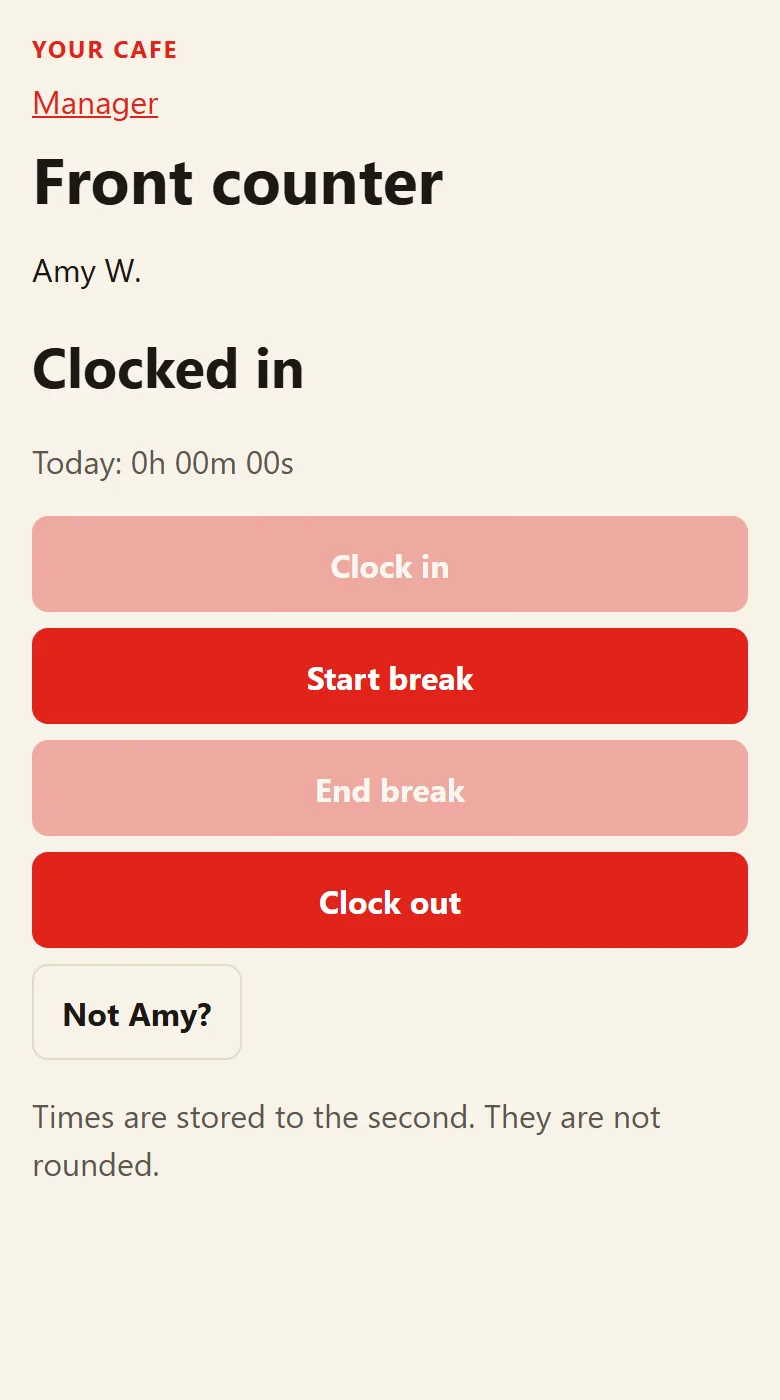
They scan the same code and each picks their own name and PIN, so their hours stay separate. If only one has a phone with them, they take turns on it.
Keep the code on site
The one thing to avoid is cleaners carrying their own copy, because then they could clock in from anywhere. Left at the site, a clock-in means they were there to scan it.
How it works
Print the code
One QR code for each door or site. That is the only thing you pay for yourself.
Staff scan in
On their own phone: clock in, breaks, clock out. They pick their name and put in a PIN.
You see it all
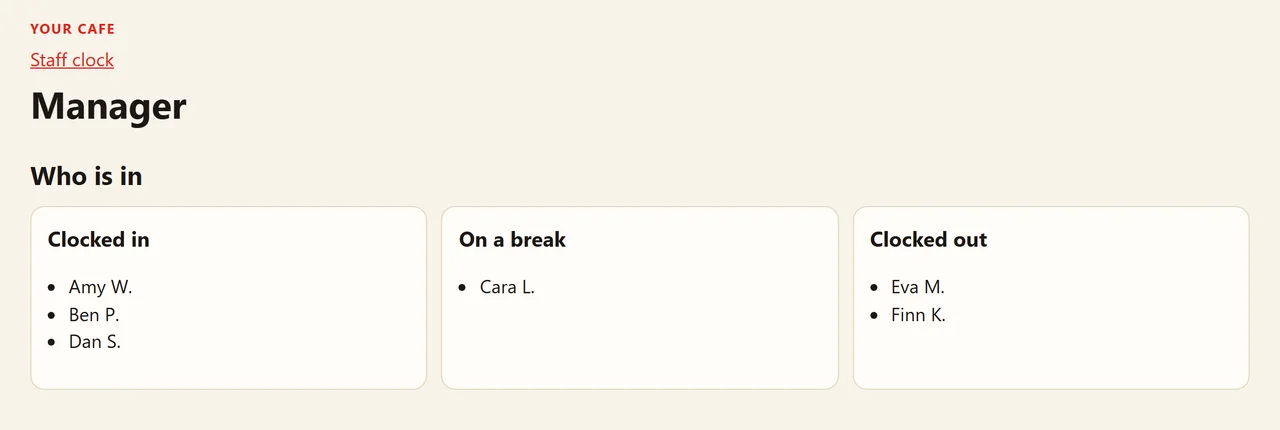
Who is in, who is on a break, who has gone. Weekly timesheets and a payroll spreadsheet.
Prices
| Staff | A month |
|---|---|
| Up to 10 | $19 |
| 11 to 20 | $25 |
| 21 to 50 | $64 |
| Over 50 | $64 plus $1.25 for each extra person |
The first 14 days are free. No card, nothing to install. If you do not carry on, it simply stops.
Questions
Do my cleaners need an app?
No. They point their phone camera at the code and it opens straight away.
Can I set it up for lots of sites?
Yes. Print one code per site. Send us your site names and your cleaners' names and we will set them all up, so all you do is print the codes.
Can I see which site a shift was at?
Yes. Each shift on the timesheet shows the site it was clocked in at, along with the start and finish times.